Welcome Guest | Sign Up
Total Online: 28
Guests Online: 27
Members Online: 1
Need help? | RSS
AffordableCebu Logo
Username:
Password:
Lost password?  |  Register
  • HOME
  • STUFF
  • JOBS
  • REAL ESTATE
  • VEHICLES
  • RENTALS
  • SERVICES
  • BUSINESS OPPORTUNITIES
  • ANNOUNCEMENTS
  • More ››
    • FORUM
    • ARTICLES
    • QUESTIONS
    • BISAYA VIDEOS
    • BISAYA JOKES
    • FUNNY PICTURES
    • ONLINE GAMES
POST A FREE AD
Get more sales, post your ads, buy and sell here for free and expose them to over 400,000 monthly visitors here in affordableCebu.com
Home » Articles » Banking » How to Apply for BPI Online Banking [ Submit an Article ]

How to Apply for BPI Online Banking

Published/Updated on: 16-April-2013
The largest bank in the Philippines in terms of market capitalization, net income, number of ATMs and number of branches, Bank of the Philippine Islands (BPI) provides an easier way of online banking application compared to other banks.

No need to fill-out an application form in the bank for enrolling in online banking. You can go directly to BPI's website to enroll for online banking.

But you must have an account first with BPI before you can apply for their online banking.

First thing to do to apply for BPI's online/internet banking is to open a deposit account or a credit card account in BPI.

If you have already an account in BPI, follow the 3 steps below to enroll for online banking:

Step 1

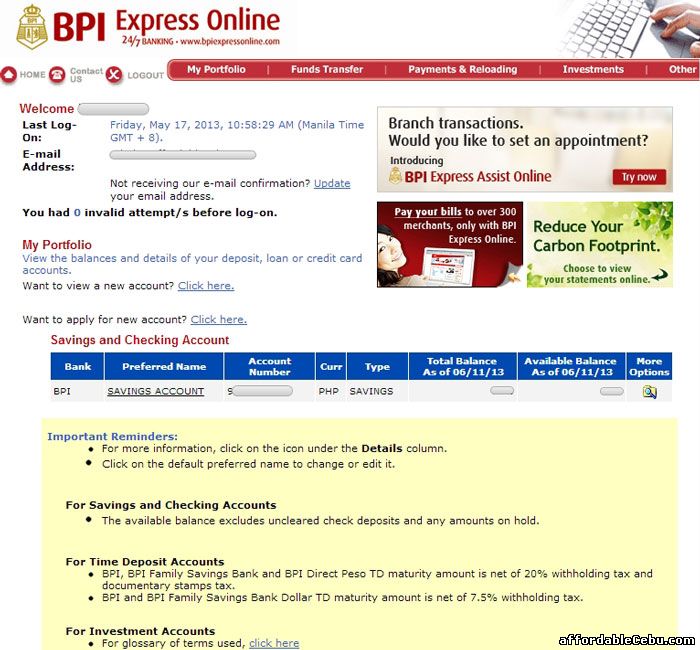
Go to BPI website (https://www.bpiexpressonline.com/) and click the Enroll Now button.

BPI online banking

https://www.bpiexpressonline.com

Step 2

Follow further instructions. Instructions are easy to follow.

Step 3

After processing the online application, you will then receive a confirmation email from BPI like this:


"Dear ********,

Thank you for enrolling in BPI Express Online. We are currently processing your application. As part of this process, a BPI representative from our Fulfillment Group will call you to verify your enrollment details. This is being done for your own security. To authenticate the call of our representative, please ask him/her to quote your confirmation number which is 000012****************

Should you have questions, comments, or suggestions, please e-mail us at expressonline@bpi.com.ph. You may also call 89100 and dial 0 to talk to a Phonebanker. These communication channels are available to you 24 hours a day, 7 days a week.

Thank you for choosing to bank with us online!

From the BPI Express Online Team"


Accessing BPI's online banking is free of charge.

With BPI's online banking, you can enjoy the following services:
  • Access your BPI account in BPI website anytime and anywhere for free.
  • Free balance inquiry
  • Transfer funds in any of your enrolled accounts free
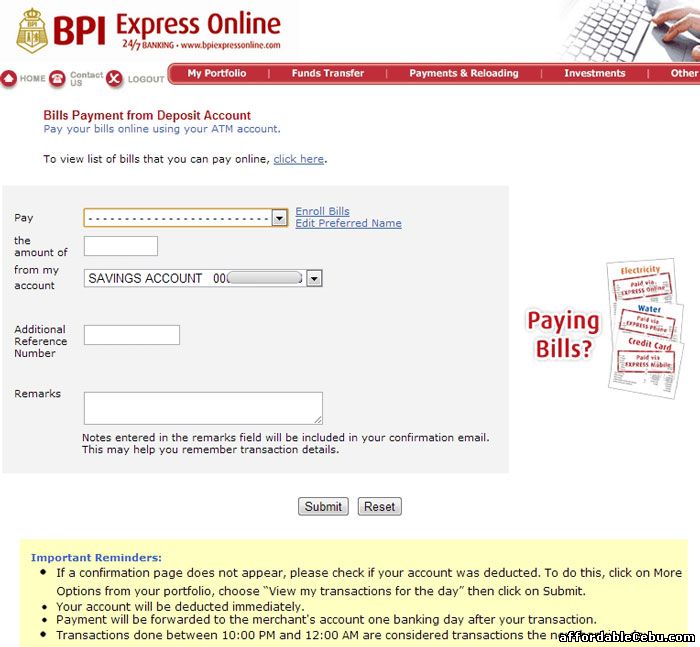
  • Pay your bills (electric bills, phone bills, government agencies' services, etc.) with no extra charge.
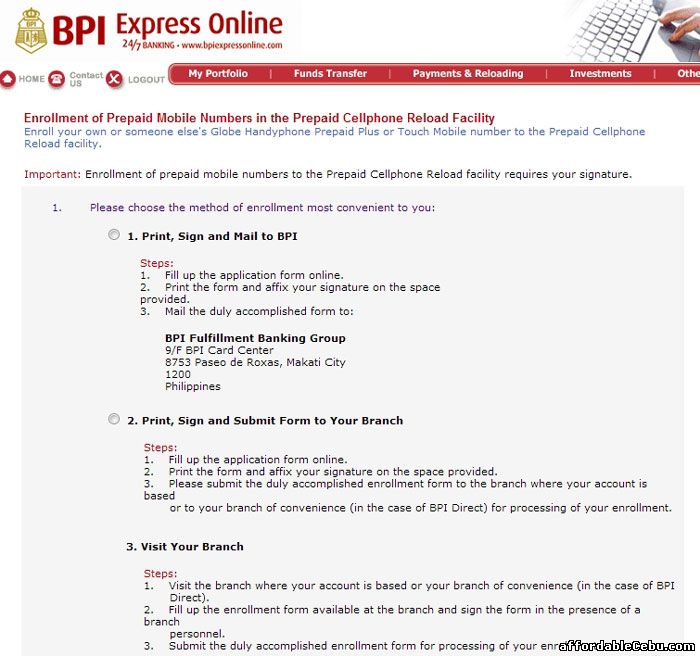
  • Load your mobile phone online with no extra charge.
  • Access your BPI investment funds
  • and many more...
  • 1
  • 2
  • 3
  • 4
  • 5
Posted by: khen | Category: Banking | Tags:: Philippine, the, (Bank, of, for, how, BPI, apply, to, Islands)
Views: | Comments: | Rating: 0.0/0

Do you have something to say? Tell us in the comment below. We require you to say it in English. Don't spam. Don't use offensive language. Write as if talking to a good friend.

Name *:
Email:
Code *:
Total comments
0  
5 Helene D. Daya   (19-May-2013 7:17 AM)
I have been trying to open my account thru online banking but many time the satement" You have been logged off due to inactivity" appears. What does it mean? u .

0  
4 sephjo   (09-May-2013 1:15 PM)
sephjoMe iknow my balance on my saving account?

0  
3 magnolia g ilao   (14-March-2013 3:58 PM)
may i now my account balance in bpi saving bank

0  
2 mark ayag   (24-February-2013 8:17 AM)
hi

0  
1 Alexander F. Hipoltio   (18-February-2013 12:31 PM)
hi


We aim to provide accurate and updated information. Please help us improve our article. Contact us here.

Related Articles

  • How to Request or Apply Petition for Change of Name of Civil Documents in Cebu
  • Foreign Currencies Accepted by BPI (Bank of the Philippine Islands)
  • BPI (Bank of the Philippine Islands) Global Financial Market Report for May 9, 2011
  • BPI (Bank of the Philippine Islands) Philippine Financial Market Report for May 9, 2011
  • 2011 Mid-Year National Convention of the Philippine Association for Teachers of Educational Foundations (PATEF)
  • BPI (Bank of the Philippine Islands) Interest Rates of Foreign Currencies
  • E-Planner of the Philippine Institute for Leadership and Enterprise (PhILSE)
  • How to Apply for BPI ATM Card?
  • How to Get or Apply for Certificate of Indigency in Talisay City, Cebu
  • BPI (Bank of the Philippine Islands) Principal Subsidiaries
Related Searches:
Subscribe To our Updates

Enter your email address:

Featured Articles

How to Register Globe Unlimited Text & Globe Unlimited Call

Picture of How to Register Globe Unlimited Text & Globe Unlimited Call comments
views

Top Billionaires in the Philippines 2013

Picture of Top Billionaires in the Philippines 2013 comments
views

How to Register Smart Unlimited Call and Unlimited Text

How to Register Smart Unlimited Call and Unlimited Text comments
views

List of Top Beaches in Cebu

Picture of List of Top Beaches in Cebu comments
views

Top 20 Most Valuable Companies in the Philippines 2013

Picture of Top 20 Most Valuable Companies in the Philippines 2013 comments
views
Latest Articles

Best and Easy Way to Copy Text from a Website with Disabled Right-Click

Picture of Best and Easy Way to Copy Text from a Website with Disabled Right-Click comments
views

CN Double Axle Horizontal Concrete Mixer JS500

CN Double Axle Horizontal Concrete Mixer JS500 comments
views

The Advantage of Stone Crusher

Picture of The Advantage of Stone Crusher comments
views

Quartz Crushing And Grinding

Quartz Crushing And Grinding comments
views

How to Choose a Nutritional Supplement to Sell

How to Choose a Nutritional Supplement to Sell comments
views

Copyright © 2013 Free Classified Ads Website in Cebu-Philippines | Developed by: JME | User Agreement and Disclaimer | Contact Us | FAQ | Statistics